
Setting up
It reads your operations manual and certificate and suggests the documents your operation needs. You choose which to hold.

The V1 assistant is AI built into V1ims. It reads your own documents, drafts the hard parts and shows the page it used, then brings the draft to you. Nothing is kept until a person decides.
Wherever you see the marshaller in V1ims, the assistant can help. Ask for a draft, read it beside its source, change anything, and choose what to keep.
 The V1 assistant helps here
It reads your operations manual and certificate and suggests the documents your operation needs. You choose which to hold.
It suggests hazards, controls and a score on your own risk matrix, quoting the page it relied on. A different authorised person accepts the risk.
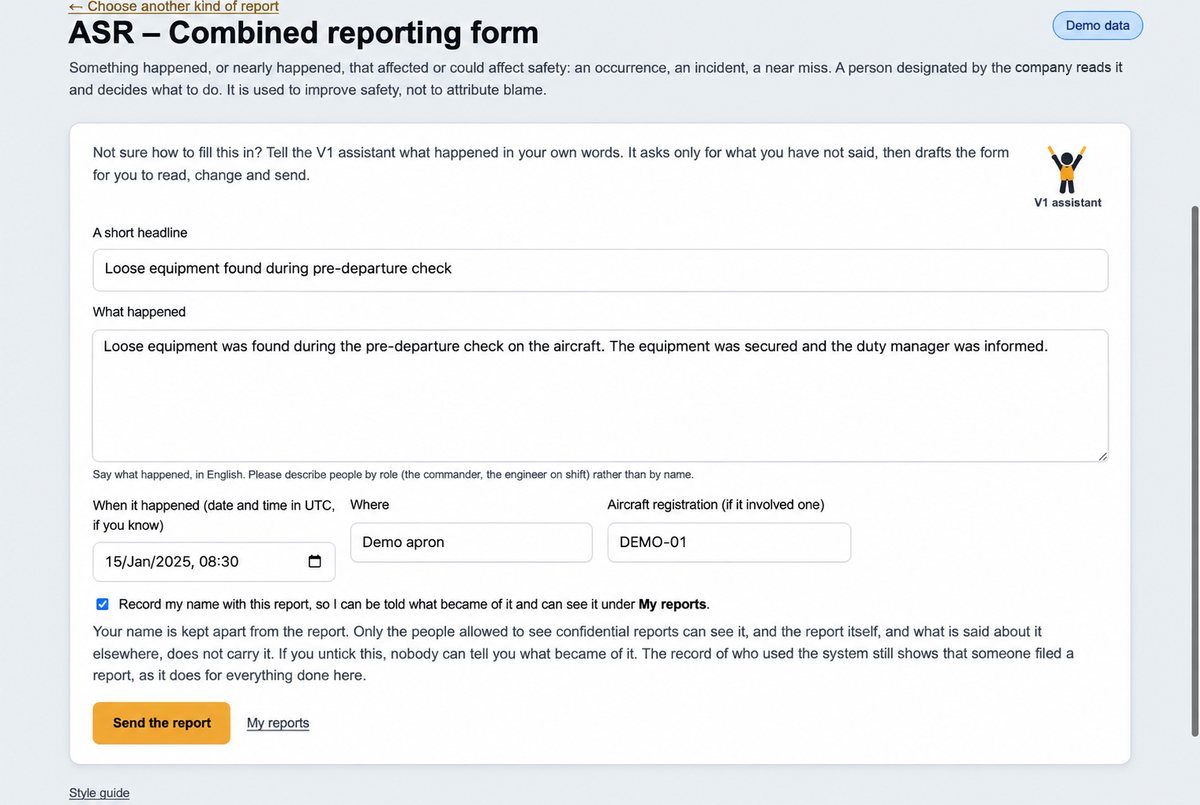
Tell it what happened in your own words. It asks only for what is missing and drafts the report for you to check and send.
It drafts the minutes and action points from the meeting transcript, each point tied to what was said, for you to confirm.
It reads the report from your authority and sets out the findings for you to confirm, then helps you draft your response.
Ask a question and get the answer with the exact passage and page from your own manuals.
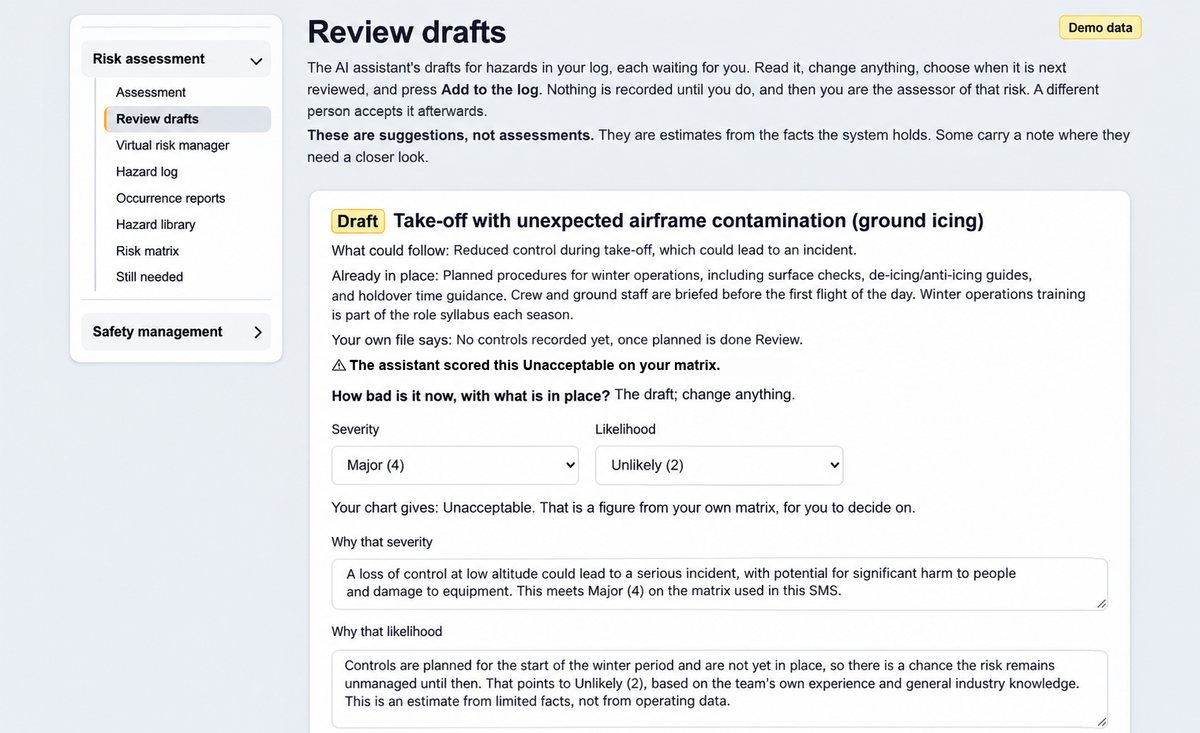
A risk assessment drafted by the assistant waits for you in Review drafts. Read it, change anything, and add it to your hazard log only when you are happy.
Not sure how to fill in a report? Tell the assistant what happened. It asks only for what you have not said, then drafts the form for you to read, change and send.
A draft changes nothing until a person adopts it. The person who scored a risk can never be the one who accepts it.
When a suggestion rests on your manual it shows the page and the words. A quotation is kept only if it is on that page, word for word, so a quote is never invented.
A suggestion is a starting point, not an analysis. It can be wrong, and when there is nothing to show it says so rather than filling a gap.
The assistant is off until an Administrator at your company switches it on. The rest of V1ims works without it.
For risk work it is never sent the text of safety reports, names or passenger details. Other uses send only the pages they need.
Each use is written to the audit trail, as a count rather than the words asked.
Where the words go. When your company has switched the assistant on, the text it works on is processed by an AI service provider. Ask us who, where and how long anything is kept, and we will answer in writing before you decide. Security and the assistant
Bring a section of your operations manual to a demonstration and see what the assistant drafts from it, and where your team makes the decisions.
Book a demonstration